


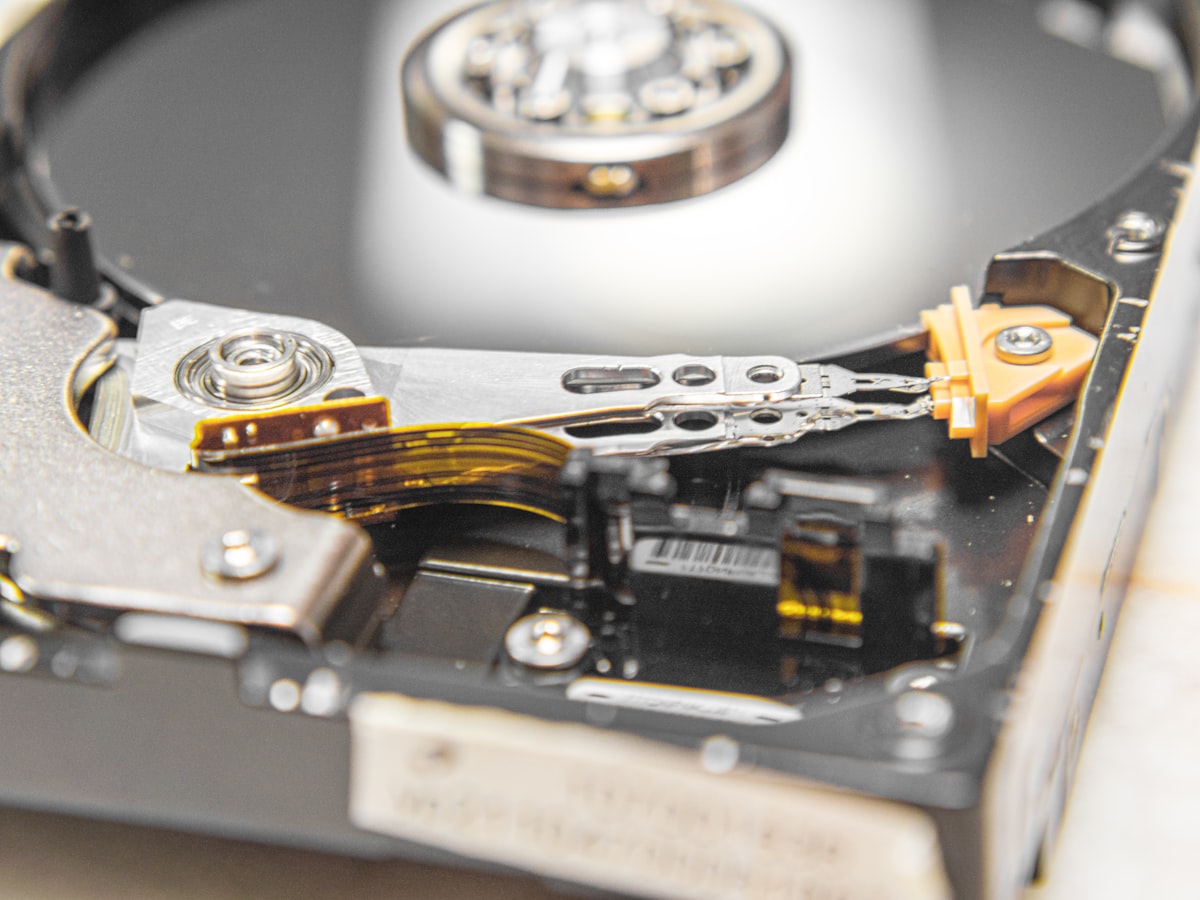
Python and working with files
Python provides simple functions to work with files. Files are opened with open(), used, and then closed with close(). Depending on the open mode, we can read, write, or append content.
How to run the script
Save the code in a .py file (for example archivos.py) and run it from the terminal:
python files.pyText files
To write (overwriting previous content):
f = open("demofile.txt", "w")
f.write("I deleted the previous content!")
f.close()
To append at the end of the file:
f = open("demofile.txt", "a")
f.write("nNow the file has more content.")
f.close()
To read the entire content:
f = open("demofile.txt", "r")
print(f.read())
f.close()
Open modes
w = write (clears previous content). a = append. r = read. For binary, add b: wb, rb, rb+.
Binary files
To write and read bytes:
bytes_data = b"delete previous content"
f = open("demofile.dat", "wb")
f.write(bytes_data)
f.close()

f = open("demofile.dat", "rb")
bytes_data = f.read()
f.close()
print(bytes_data)
Navigating with seek
The seek(n) method moves the cursor to position n. This is useful to read or modify specific bytes, for example in a BMP image (54-byte header + 1024-byte palette).
f = open("mario.bmp", "rb+")
f.seek(1080)  # First pixel data byte
byte_leido = f.read(1)
f.close()